Foliohop: send web articles to your Kindle
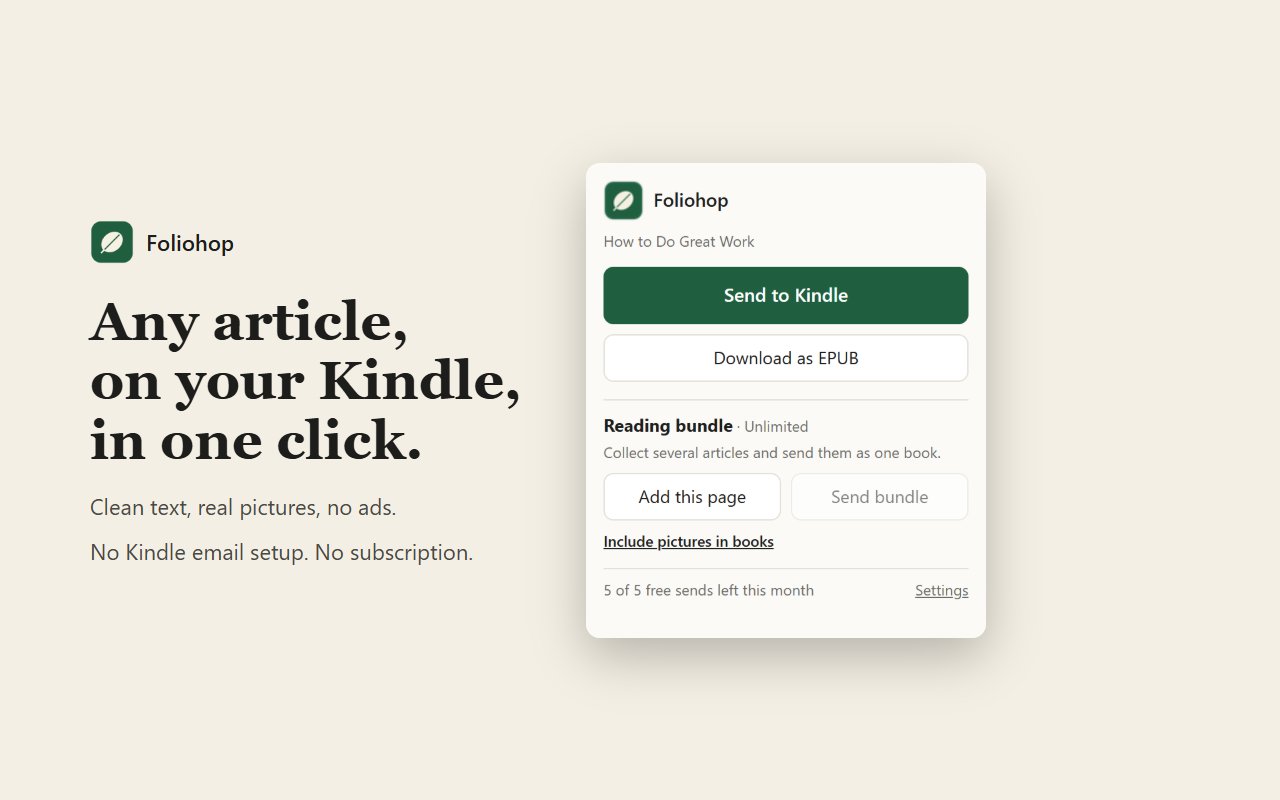
One click turns the article you're reading into a clean e-book and attaches it on Amazon's Send to Kindle page. Press Send, and it's on your Kindle and in every Kindle app.
A working replacement for Amazon's Chrome extension
Amazon's own "Send to Kindle for Google Chrome" hasn't been updated since January 2024, and a lot of people can't sign in to it anymore. Foliohop does the same job a different way: it builds the e-book in your browser, then hands it to Amazon's current Send to Kindle page, the one you already use on amazon.com.
How it works
- Open any article and click the green Foliohop leaf in your toolbar.
- Foliohop strips out the ads, menus and sidebars and makes a clean e-book, pictures included.
- Amazon's Send to Kindle page opens with the book already attached. Press Send.
You can also right-click any page and choose "Send this page to Kindle", or download the article as an EPUB file instead.
Free, or $12 once
Foliohop is free for 5 articles a month. Foliohop Unlimited removes the cap and adds Reading Bundles, which collect several articles into one book for your commute. It's one payment of $12, with no subscription.
Private by design
Pages are converted on your own computer. Foliohop has no servers, no accounts and no tracking, and it never sees your Amazon login. Read the privacy policy.
Questions & answers
Why did Amazon's Send to Kindle extension stop working?
Amazon's "Send to Kindle for Google Chrome" hasn't been updated since January 2024, and many people can no longer sign in to it. Foliohop is a separate extension that works through Amazon's current Send to Kindle web page, so it uses the same sign-in you already use on amazon.com.
Do I need my Kindle email address?
No. Foliohop opens Amazon's own Send to Kindle page with your article already attached. You press Send. There's no Kindle email address to look up and no approved-sender list to edit.
Does it work with the Kindle app on my phone?
Yes. Anything sent through Send to Kindle shows up on your Kindle e-reader and in the Kindle app on phones, tablets and computers.
Are pictures included?
Yes, if you turn on pictures in Foliohop's settings. Images are resized for e-ink so the book stays small.
What does it cost?
Free for 5 articles a month. Foliohop Unlimited is a single $12 payment for no monthly cap plus Reading Bundles, which put several articles into one book. There is no subscription.
Does Foliohop see my Amazon password?
No. Pages are converted on your own computer and Foliohop never sees your Amazon sign-in. It has no servers, no analytics and no tracking.
Foliohop is not affiliated with Amazon. Kindle is a trademark of Amazon.com, Inc.