Ready in minutes, from your family tree
Family History Book From Your GEDCOM
Choose the GEDCOM file you exported from Ancestry, MyHeritage or your genealogy program. We turn it into a printable family history book: a fan chart, a descendant chart, a page for every ancestor, a timeline and an index. Your GEDCOM file stays on your computer: only the people who go in the book are sent to build it, and anyone who may still be living is hidden first.
Start with your file ($24.99) See sample pages
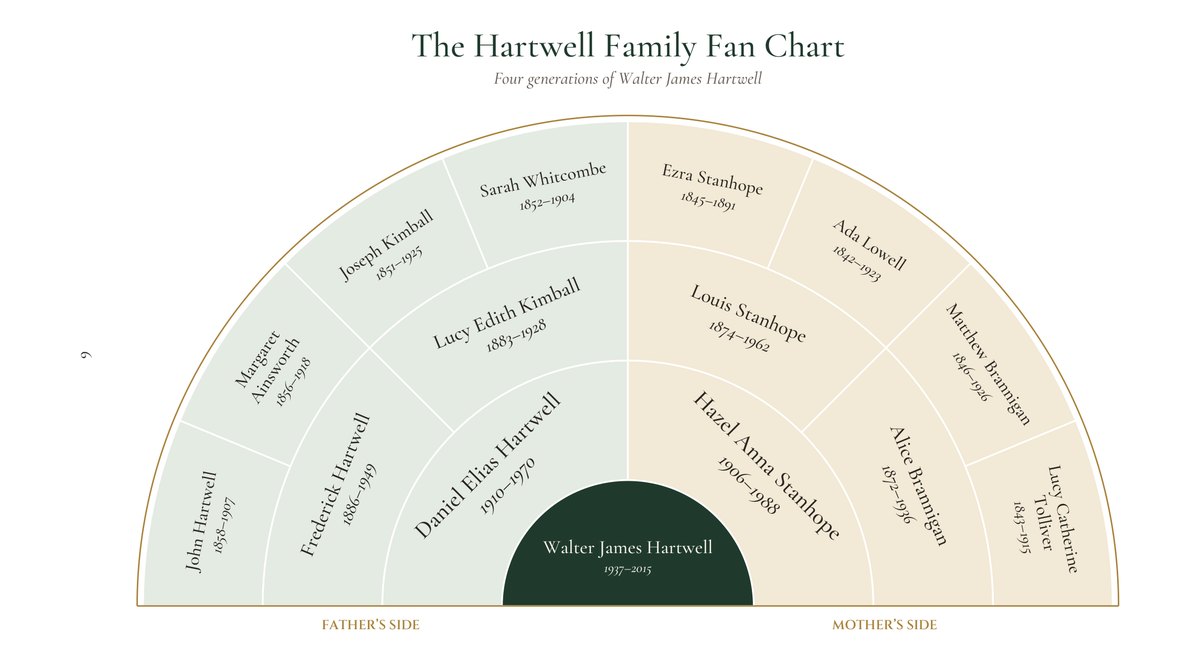
Your fan chart appears here when you choose a file.
Sample pages
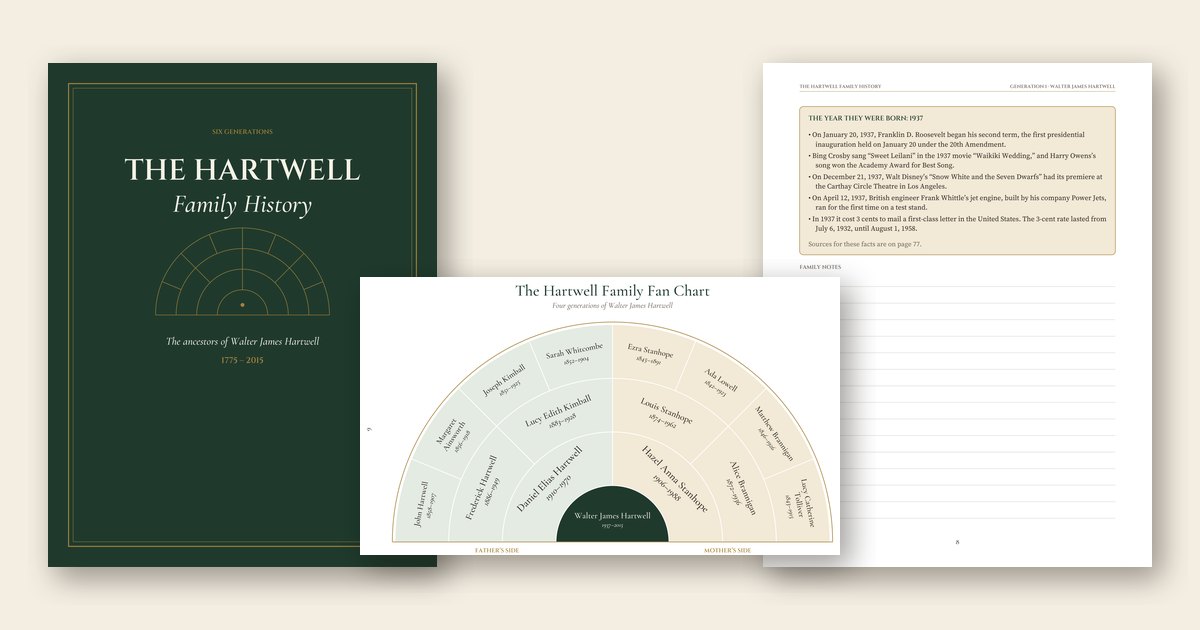
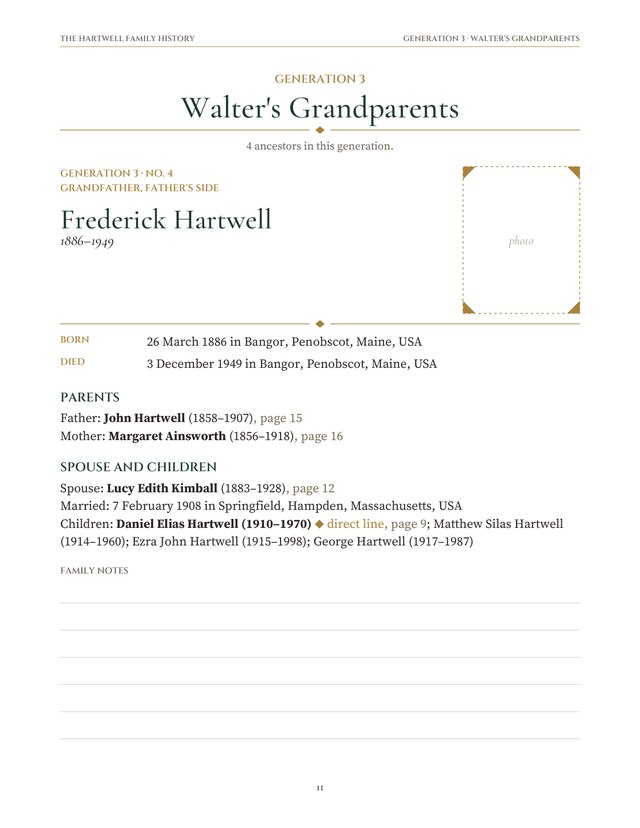
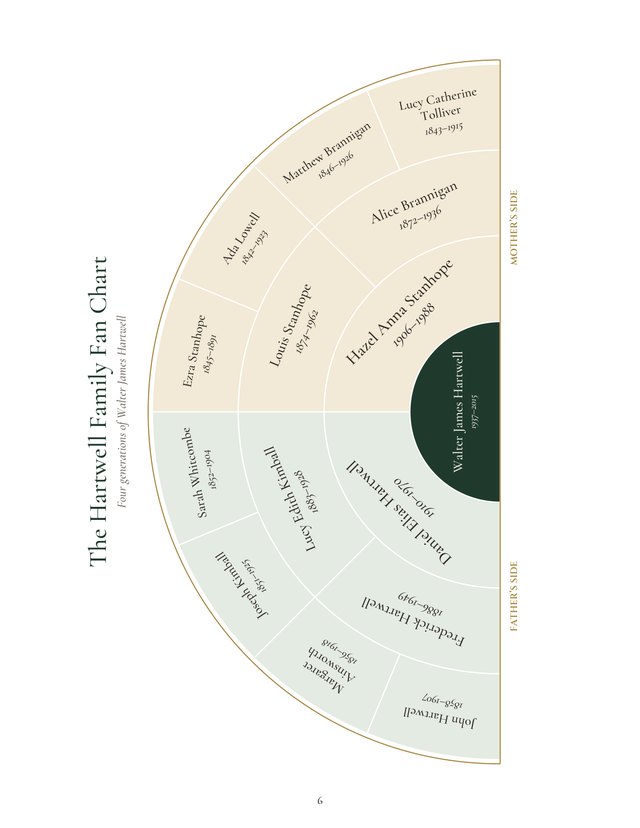
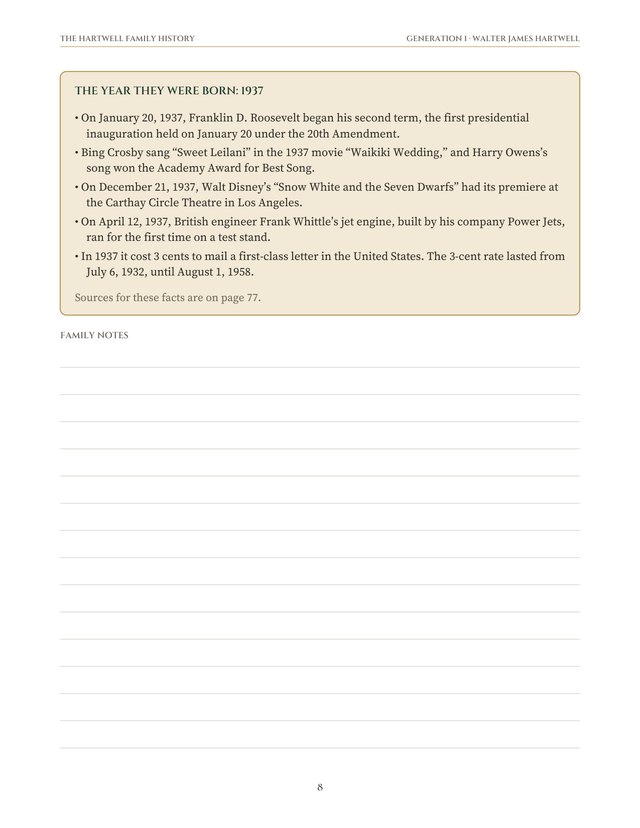
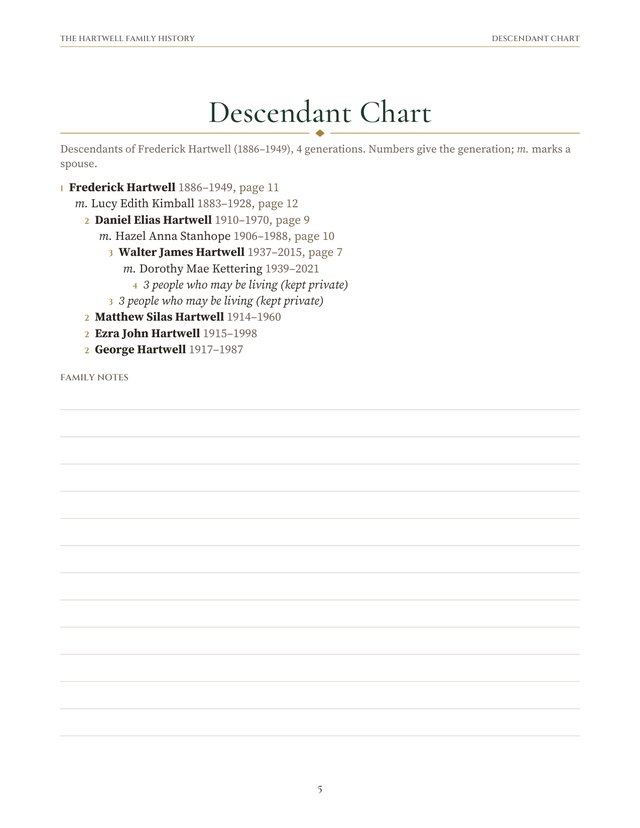
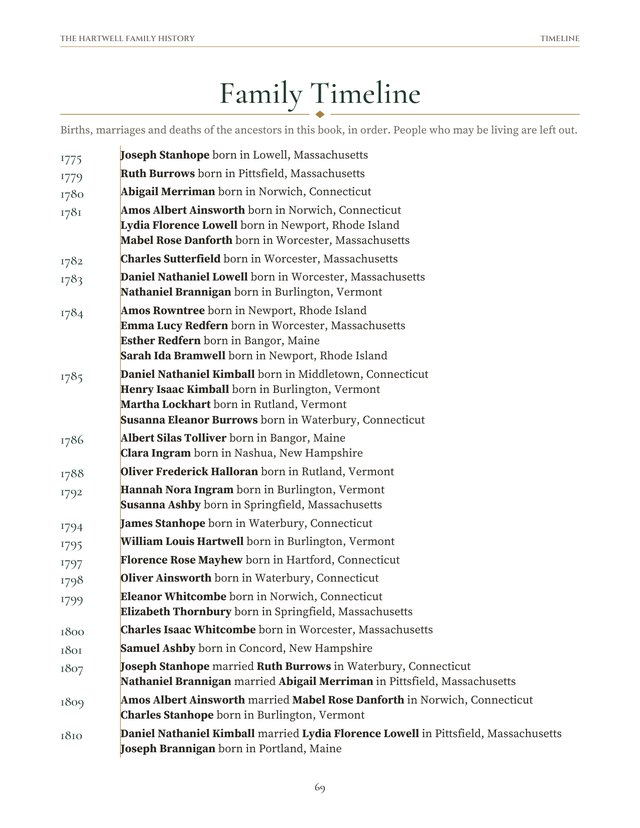
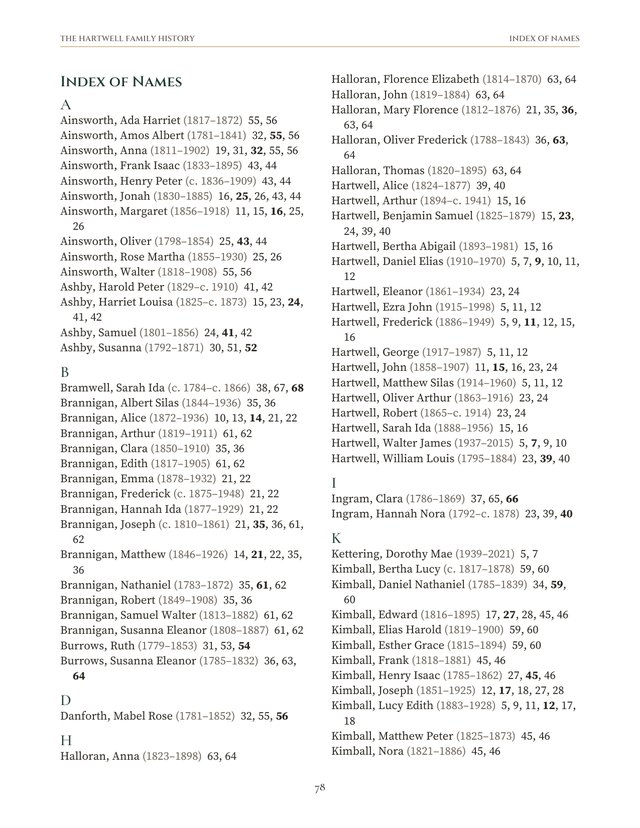
From a book made with this tool from an invented sample family, the Hartwells (seven generations, 245 people). Your book uses your tree.

What’s inside
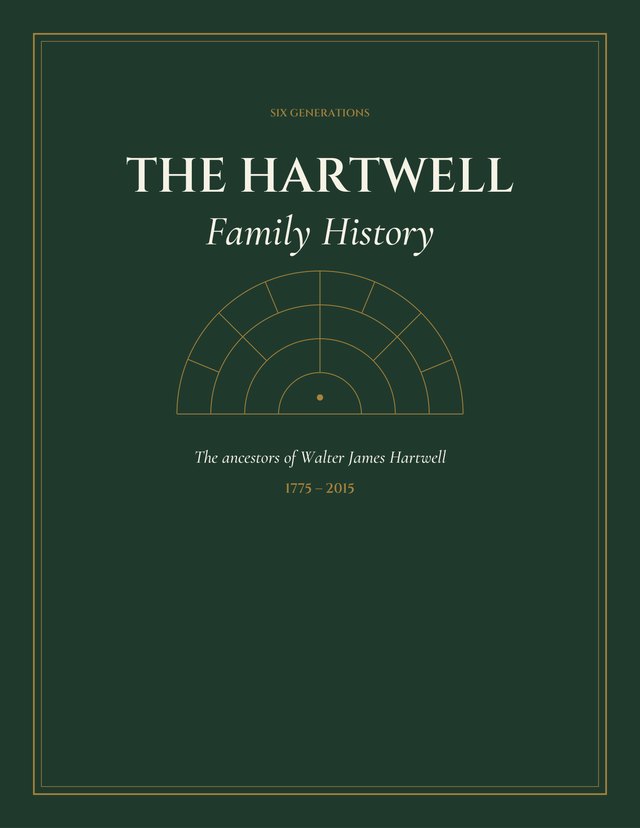
- A cover with your family name and the years your tree spans, in heirloom green, navy, burgundy or an ink-saving ivory.
- A title page with your dedication, contents, and a page explaining how to read the book.
- A four-generation fan chart and a four-generation descendant chart.
- A chapter for each generation and a page for every direct ancestor: name, dates and places, other events like occupations and moves, parents, marriages, children, and the notes from your tree, each with a frame for a photo.
- For ancestors born in 1937, 1947, 1957, 1967 or 1977 who have passed away, a small box of things that happened the year they were born. Most books have only a few, because people born in those years are often still living.
- A family timeline, blank photo and story pages, a sources page and an index of names with page numbers.
Every page comes from your own tree. We don’t add, guess or change names and dates; where the file is silent, the book says so, which makes it a handy list of what to look for next.
How it works
- Choose your GEDCOM file. This page reads it on your computer.
- Pick who the book begins with, how many generations, and the colors and title.
- Press Preview it: we build the whole book, tell you the page count, and you can download a free preview marked PREVIEW.
- Buy on Gumroad ($24.99). Card, PayPal, Apple Pay and Google Pay all work there.
- Paste the license key from the receipt and press Make my book. The PDF downloads in seconds. Print it at home or at a copy shop.
Privacy
The GEDCOM file stays in your browser. Only the people in the book are sent to build it, anyone who may be living is reduced to the word “Living” first, and nothing is stored on our side: the book is built in memory and sent straight back to you. See the privacy policy.
How to get your GEDCOM file
- Ancestry: open your tree, click the tree name menu and choose Tree settings, then Export tree. When it finishes, click Download your GEDCOM file.
- MyHeritage: go to Family tree > Manage trees and choose Export to GEDCOM. MyHeritage emails you a download link.
- FamilySearch: the shared Family Tree has no download button. Free partner programs such as RootsMagic Essentials or Ancestral Quest Basics can bring in your branch, then save it with File > Export as a GEDCOM.
- RootsMagic, Family Tree Maker, Legacy, Gramps and others: File > Export > GEDCOM (any version works).
A GEDCOM is a plain text file ending in .ged. Old files in ANSEL or Windows encodings, files with missing dates, and very large trees (tens of thousands of people) all work.
Questions & answers
Is my family tree file uploaded?
No. Your GEDCOM file is opened and read by your own web browser. Only the people who go in the book are sent to our book builder to make the PDF, people who may be living are reduced to the word Living before anything is sent, and nothing is stored.
How are living people handled?
Anyone born less than 100 years ago with no death or burial record is shown as Living, with no name, dates or places, and is left out of the index. Before you buy, the page lists everyone it will hide, and you can tick anyone who has passed away but whose date is missing from your file.
Where do I get a GEDCOM file?
Ancestry, MyHeritage and desktop programs like RootsMagic, Family Tree Maker, Legacy and Gramps can export one (steps below). FamilySearch's shared tree has no download button, so use free partner software such as RootsMagic Essentials to save your branch as a GEDCOM first.
How many pages will it be?
It depends on how full your tree is and how many generations you choose (3 to 7). A tree filled to great-great-grandparents makes about 60 to 80 pages. A small tree that stops at the grandparents makes a short book of about 15 to 25 pages. The preview tells you the exact count before you pay, and each purchase includes 8 builds, so you can add people to your tree and make the book again. The limit is 260 pages.
Are my photos included?
No. GEDCOM files don't carry photos, so the book has a photo frame on every ancestor page and photo and story pages at the end to paste prints into or to scan and fill in.
What is the “year they were born” box?
For an ancestor born in 1937, 1947, 1957, 1967 or 1977, the page gets a short box of things that happened that year, each checked against two published sources listed at the back. We only have checked facts for those five years, and anyone born in the last 100 years without a death record is shown as Living, so most books have only a few of these boxes, and some have none.
Can I see it before I pay?
Yes. Press Preview it to build the whole book and see the page count, then download a free preview PDF of the cover, charts and first ancestor pages, marked PREVIEW.
What if my tree changes?
Each license key works 8 times. Fix the tree, export a new GEDCOM, and make the book again.
How do I print it?
It is a US Letter PDF (on A4 paper, choose Fit to page). Print at home or take it to a copy shop to have it spiral or comb bound. Nothing is shipped.
What if something is wrong?
Email hello@frontporchpuzzlepress.com and we will fix it or refund you.